
Manuals

Manuals your team can rely on.

When a procedure changes, your team needs a way to review the update and get it to the people who use it. Aeroplan keeps that work in one library, with controlled revisions and reading on the web and iPad.

Reaching a distributed team

Get reviewed guidance to your teams.

When your teams work across locations, devices may be switched off or temporarily without an internet connection. Aeroplan makes approved revisions available to eligible devices, which synchronise when they are switched on and connected again.

Your manual owner releases revision 12 after review, so readers receive approved guidance.

CopenhagenMontréalSingaporeCape TownSingapore iPad offline - Pending next sync
CopenhageniPad - Flight operationsRevision 11
MontréalComputer - Manual authorRevision 11
SingaporeiPad - MaintenanceRevision 11
Cape TownComputer - Operational readerRevision 11
iPad download: Aircraft + DeviceReading access: Functions
Reaching a distributed team

Get reviewed guidance to your teams.

  1. Approve

    Release guidance after review

    Your manual owner releases revision 12 after the updated procedure has been reviewed, so the change reaches readers as approved guidance.

  2. Distribute

    Keep each device’s library up to date

    Devices may be switched off or temporarily without an internet connection. Eligible devices synchronise available revisions when they are switched on and connected again.

  3. Read & Confirm

    See who has acknowledged a revision

    Where acknowledgement is required, readers confirm that they have read the revision. Your team can return to that record when following up.

For authors and reviewers

Help your authors work together.

Your manuals may draw on the knowledge of several specialists. As a flight operations author updates a procedure, colleagues can maintain their own chapters in the same draft revision. The manual owner can follow how those contributions fit together.

Keep one style across your manual

Shared formatting helps chapters written by different people read as one document. AI assistance can give authors a second look at spelling and wording before they submit their work for review.

Give reviewers the context for an edit

A revised sentence can change how a procedure is understood. Your reviewer can read it alongside the surrounding procedure and its history. When someone new takes over, that history helps them understand how the manual developed.

For everyone working with your manuals

Give your crews the guidance your authors intended.

Your authors put care into every procedure. Aeroplan gives that work a shared home, where revisions are prepared and reviewed before reaching readers on the web and iPad. Where acknowledgement is required, Read & Confirm records that the reader has read the revision.

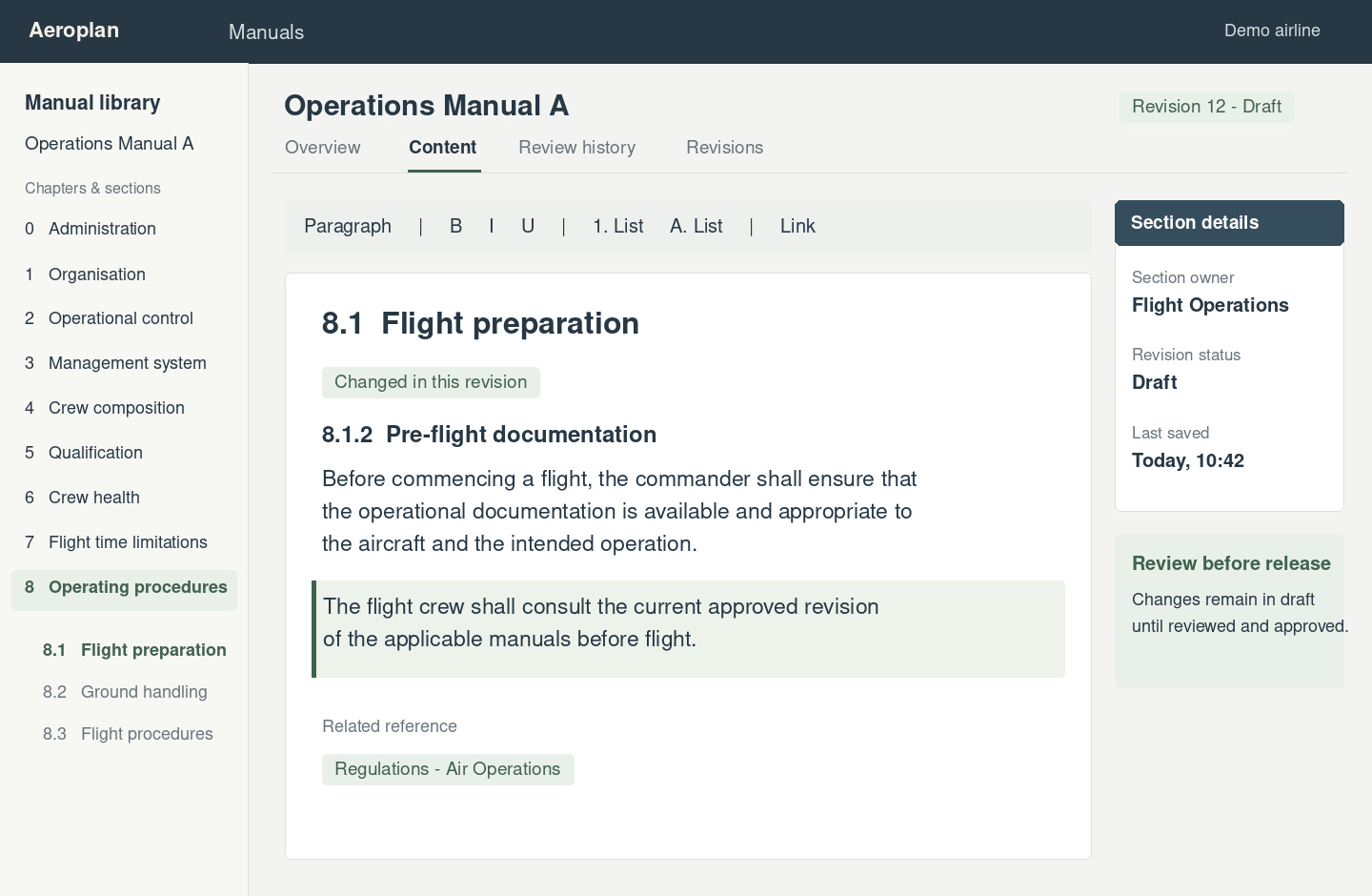
Illustrative Manuals web editor showing a draft revision, chapter navigation and changed content.
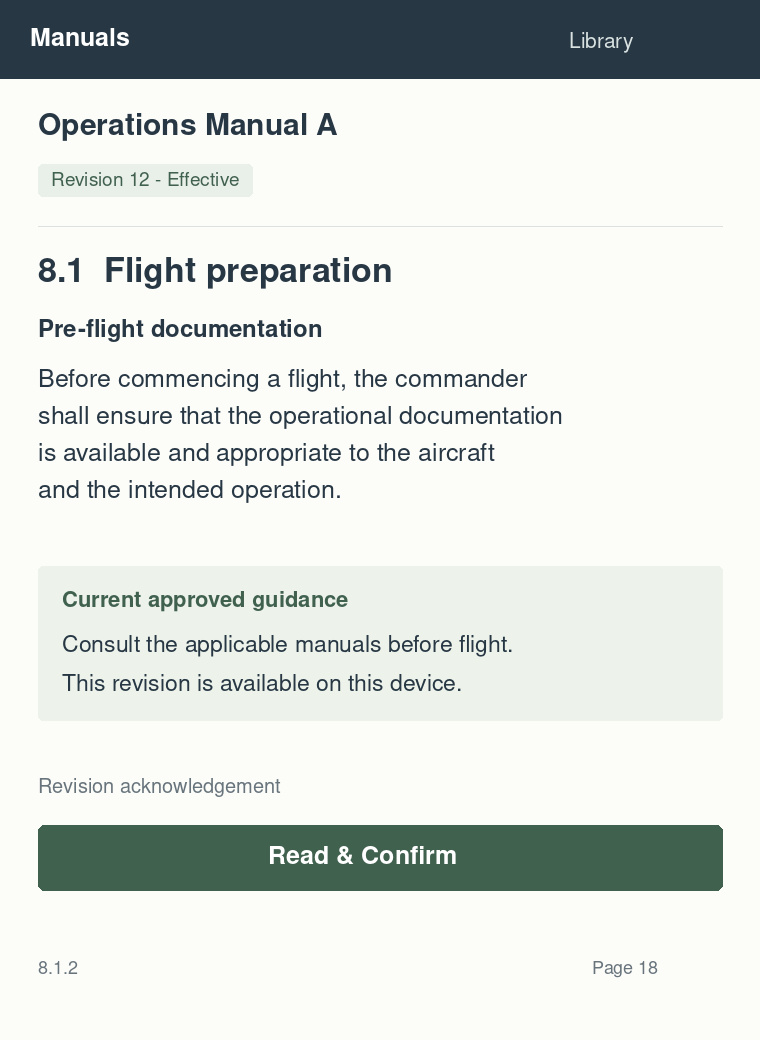
Illustrative iPad reader with effective revision 12 and Read & Confirm.
From the first edit to operational use

Keep the path from edit to release clear.

A pre-flight procedure needs an update. Your team can follow who prepares the change, what the reviewer examines and which revision reaches readers.

  1. Author

    Work with the whole procedure in view

    Your author revises the pre-flight procedure in draft revision 12, with the surrounding chapter and shared formatting at hand.

  2. Review

    Make an informed review decision

    Your reviewer can examine the revised passage alongside the procedure and its history before deciding whether to approve it.

  3. Reader

    Give readers the approved guidance

    The approved procedure is available on the web and eligible iPads. Read & Confirm gives your team a record of acknowledgement where required.

For operational readers

Help crews find the right procedure.

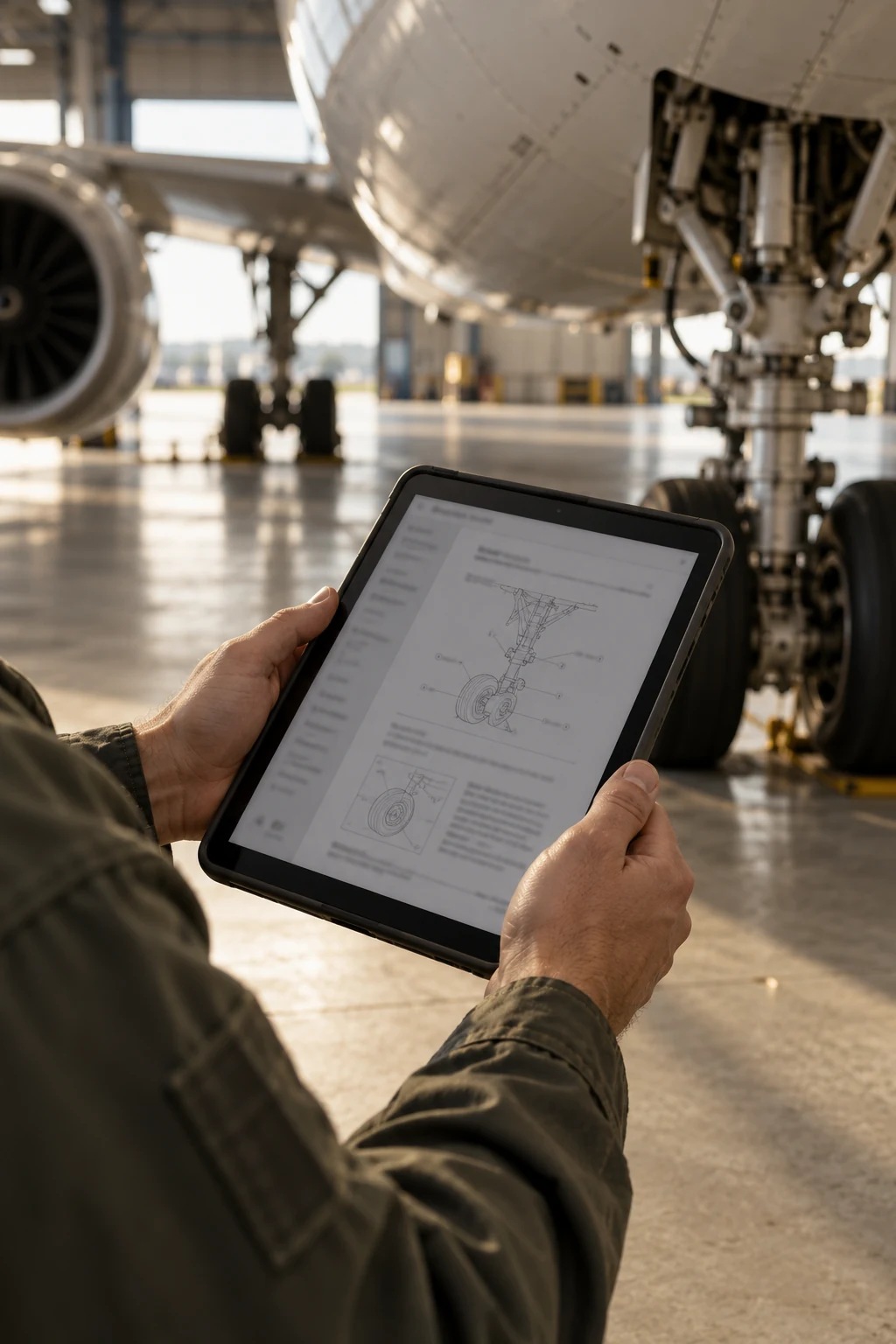
Before a flight, a pilot needs to check a procedure. They can search within a manual or across your library. Each result identifies its manual, chapter and section, helping the reader see where the guidance belongs.

Put the right library on each iPad

Choose which manuals an iPad can download for its aircraft and device. Your administrators can prepare a cockpit library around the operation it serves.

Match reading access to people’s work

Operational functions determine which manuals a person may read. Folder rules can carry those settings to the content below, helping administrators maintain access as the library grows.

Your administrators can prepare a device library for an operation and manage each person’s reading permissions separately.

Content in context

Give authors the sources they need.

An author revising a maintenance procedure may need to check an external manual. Bringing that document into your library keeps it available alongside your own content. You can also integrate its content into your manual.

For procedures based on legislation, add a reference to the relevant regulatory subpart. Regulations keeps the link and flags it when that legislation changes. Your author can then assess whether the procedure needs attention.

Across your organisation

Give procedure changes a clear basis.

If a Safety Case prompts a change to a procedure, your author can consult the case in Aeroplan to understand the concern being addressed. A regulatory change can provide another reason to revise the guidance. The approved procedure can then support a repeatable task in Checklists, helping your team put that guidance to use.

Your next step

Let’s look at one of your manuals together.

Bring a document your team works with today. We can explore how Aeroplan would fit the way you maintain and review it, how readers would receive it, and what moving your existing content would involve.

Talk to Aeroplan