
Following up on inspection damage
Ask for the detail each inspection needs.
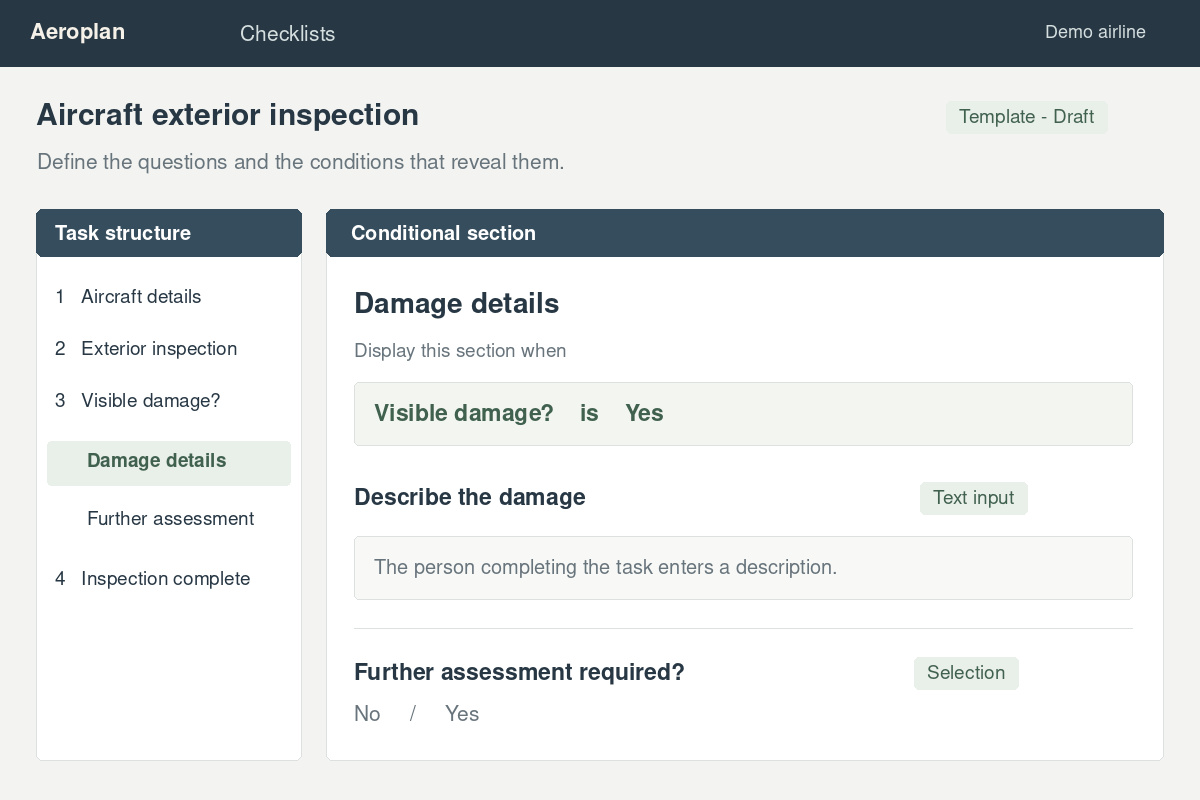
Finding damage calls for more information. Define that follow-up in your template, so your mechanic can record a description and any assessment needed before continuing.
Is there any visible damage?
No damage foundDamage found
Have the inspection details been recorded?
Next ordinary checklist item
Is there any visible damage?
No damage foundDamage found
Have the inspection details been recorded?
Next ordinary checklist item
Is there any visible damage?
No damage foundDamage found
Have the inspection details been recorded?
Next ordinary checklist item
Is there any visible damage?
No damage foundDamage found
Describe the damageAwaiting description
Further assessment required?
NoYes
Have the inspection details been recorded?
Next ordinary checklist item
Is there any visible damage?
No damage foundDamage found
Describe the damageSurface damage along the edge of the cover.
Further assessment required?
NoYes
Have the inspection details been recorded?
Next ordinary checklist item
Is there any visible damage?
No damage foundDamage found
Describe the damageSurface damage along the edge of the cover.
Further assessment required?
NoYes
Assessment requiredAwaiting assessment detail
Have the inspection details been recorded?
Next ordinary checklist item
Is there any visible damage?
No damage foundDamage found
Describe the damageSurface damage along the edge of the cover.
Further assessment required?
NoYes
Assessment requiredAssess against applicable maintenance guidance.
Have the inspection details been recorded?
Next ordinary checklist item
Is there any visible damage?
No damage foundDamage found
Describe the damageSurface damage along the edge of the cover.
Further assessment required?
NoYes
Assessment requiredAssess against applicable maintenance guidance.
Have the inspection details been recorded?
Yes - Observation and assessment recorded
A maintenance inspection
Ask for the detail each inspection needs.
- Inspect
Follow the guidance for this task
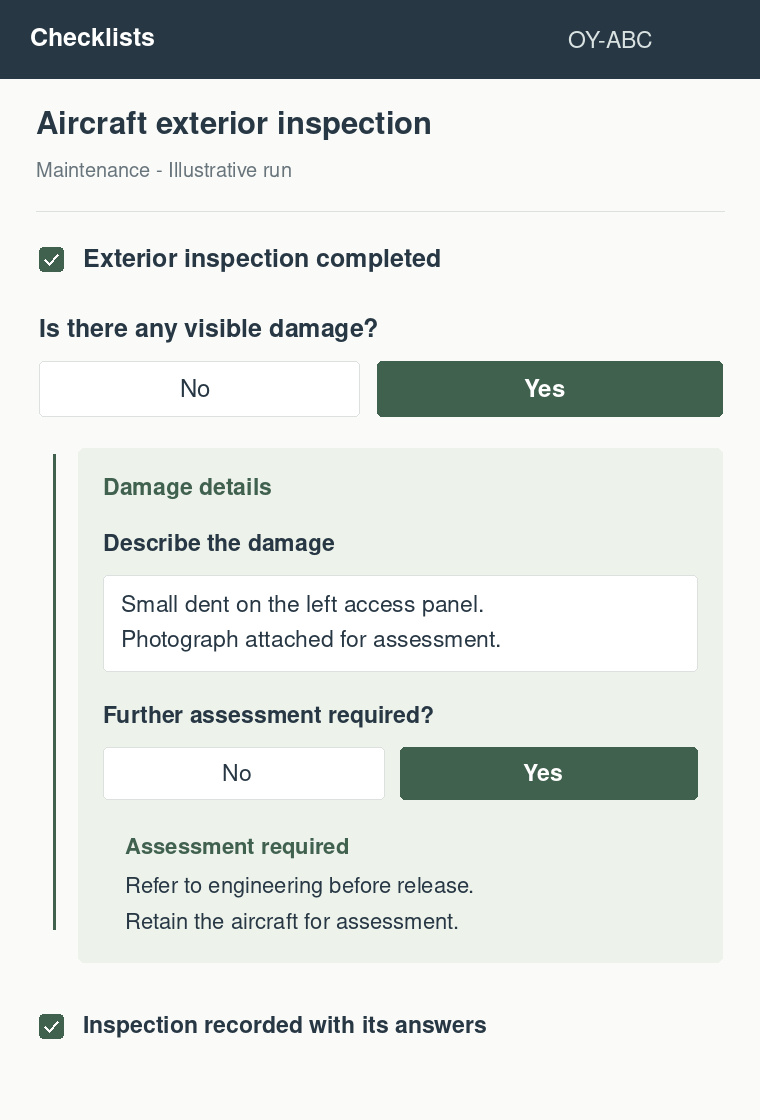
Your mechanic checks the cover and selects the result. Finding damage opens questions relevant to that observation.
- Describe
Keep the detail with the inspection
The follow-up fields let the mechanic describe the damage and attach an image, so a later reviewer can understand what was found.
- Review
Ask for assessment when it is needed
A further-assessment answer opens another question for the detail required before the mechanic continues.